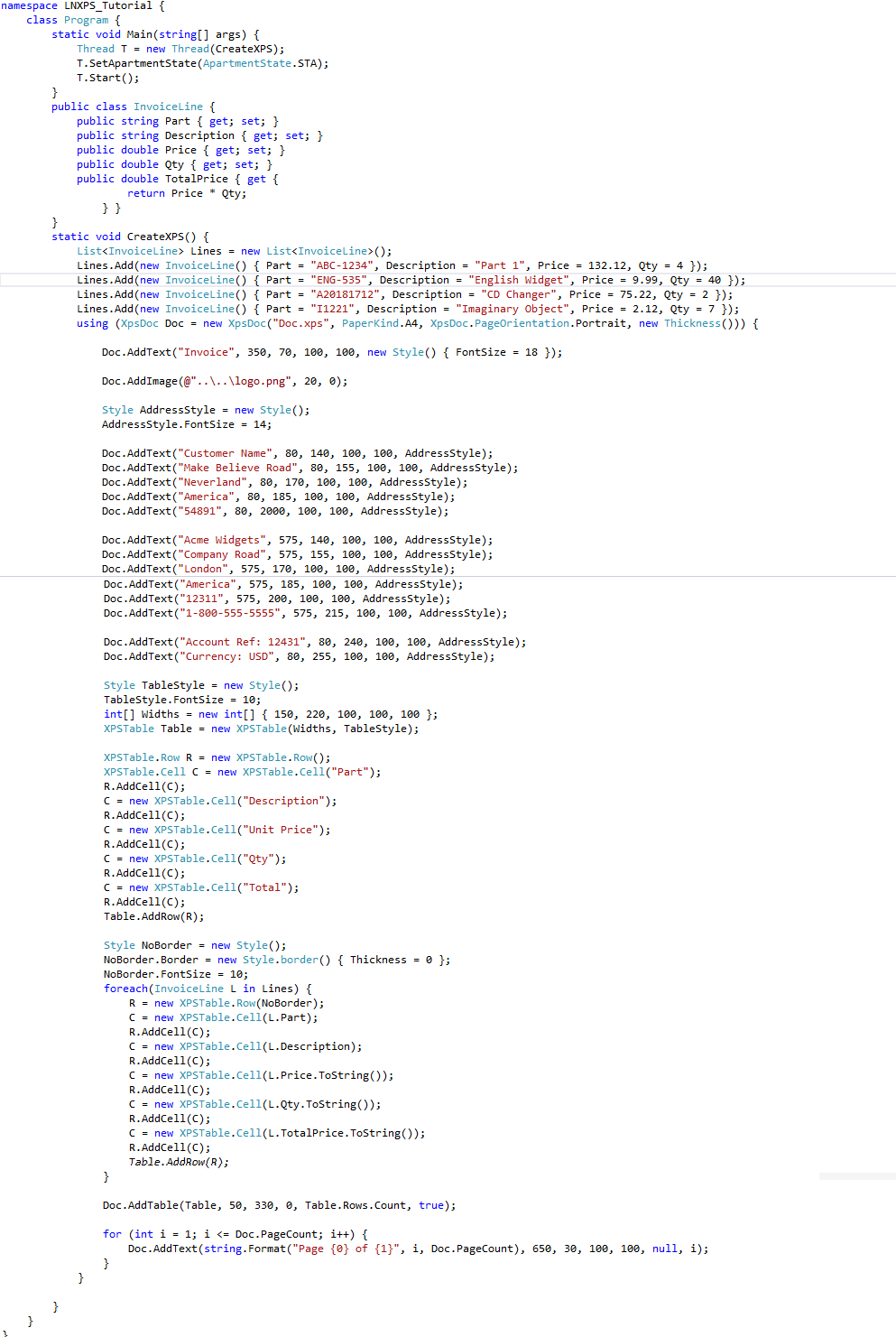
LNXPS needs to be run from an STA thread. For Console Apps

Hello World

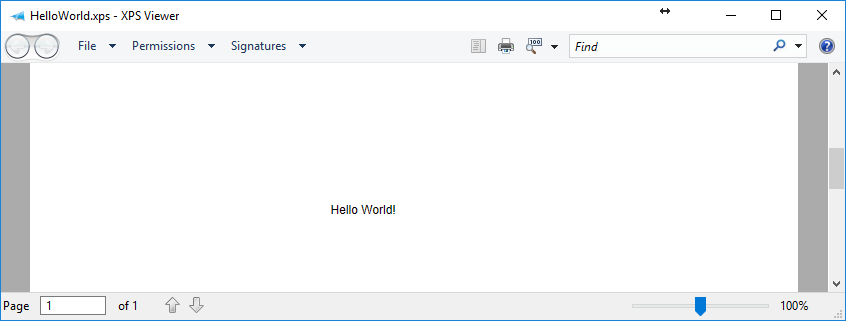
In this example we see how to create the most basic XPS document using LNXPS. Notice that you do not need to explicitly open and close the document as XpsDoc is a disposable object so these operations are done for you in the background. The first argument is the output file name, followed by paper size, portrait/landscape and border thickness. And that is it, we have our first XPS document!
Styling
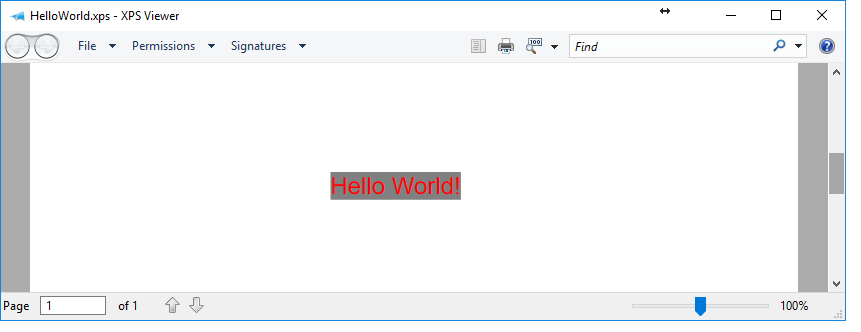
LNXPS uses a style class called Style. We tried to use HTML/CSS thinking as this seemed the most easiest approach so lets look at how we can add some styling to our Hello World example. Notice that the each LNXPS element can be parsed a style object.

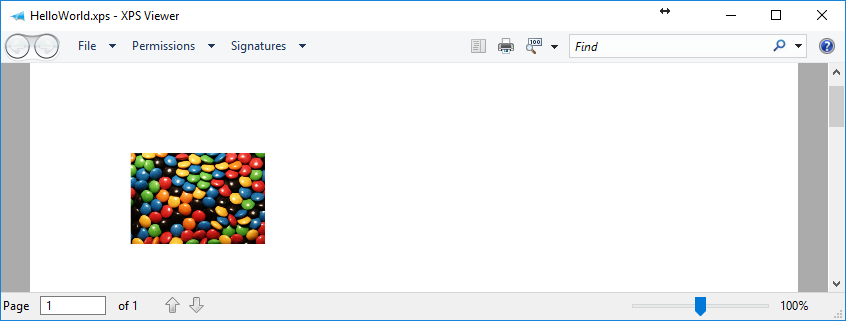
Images

Tables
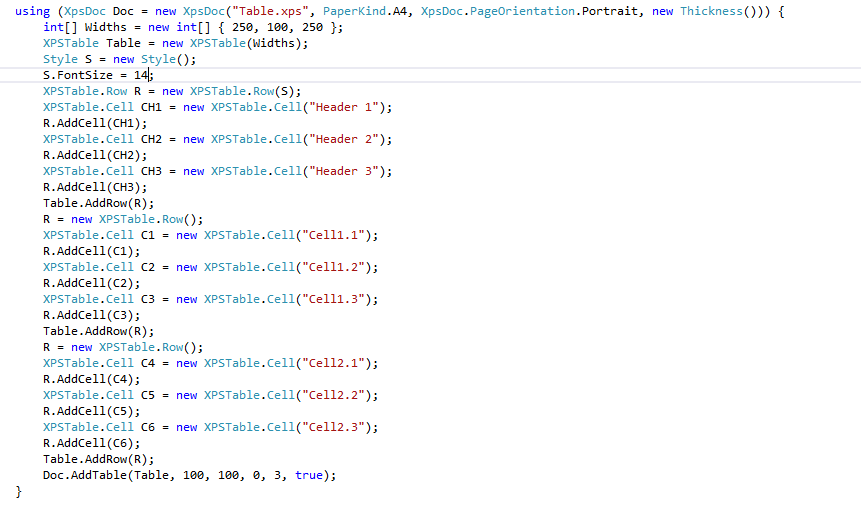
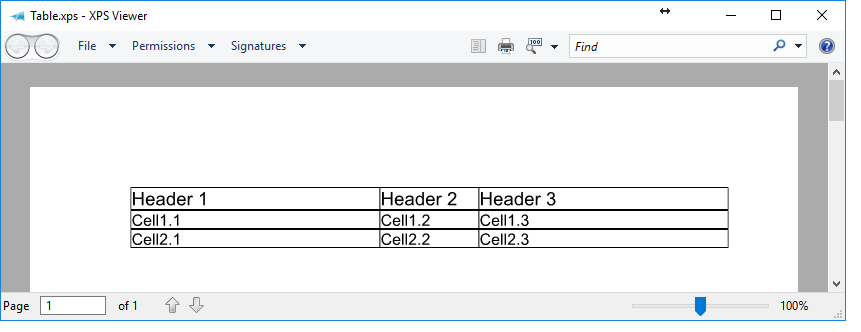
Tables required their own specific tutorial available here. Below is a brief example.
Printing
Printing in LNXPS couldn’t be simple. Just call the Print method and parse the name of the printer and the number of copies

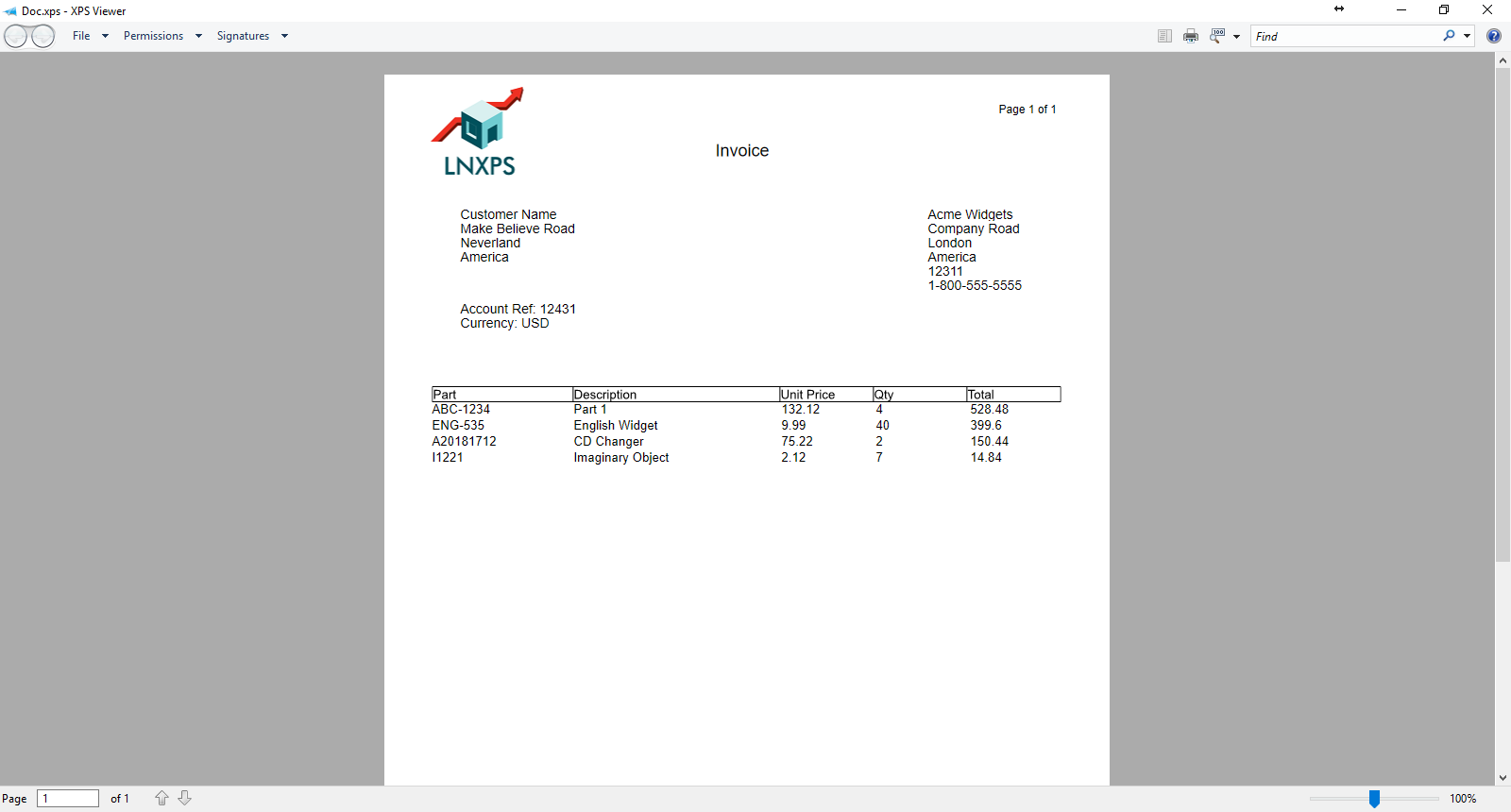
Complete Example (Download available on download page)